Trezor vs SafePal: which cold wallet actually fits you?
Trezor created the hardware-wallet category in 2014 and has kept its firmware fully open-source ever since. SafePal takes a different route to security: no USB, Bluetooth or WiFi at all, just QR codes, at the lowest price of any air-gapped wallet from a major brand. We compare the track record, the security model and the price.
In short: Trezor
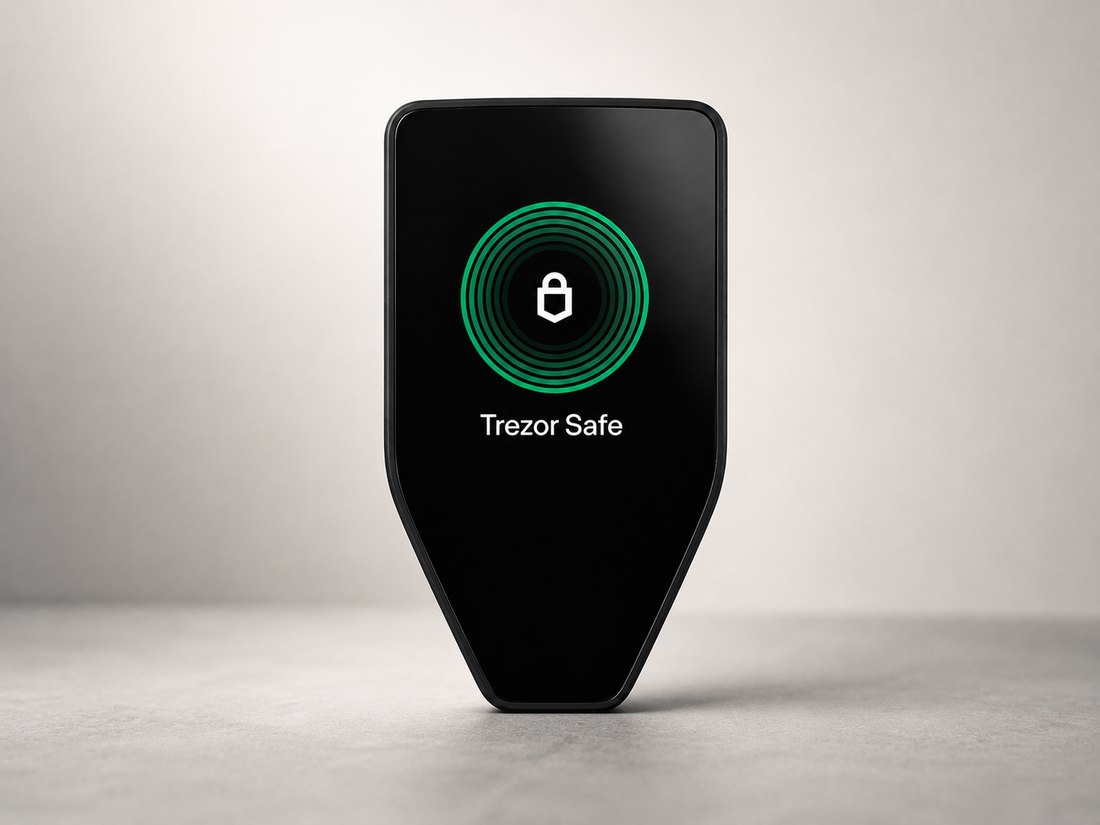
Trezor is the original hardware wallet, launched in 2014, with entirely open-source firmware and companion app that anyone can independently review. The current Safe 3, Safe 5 and Safe 7 models all ship with a certified EAL6+ Secure Element — hardware protection its earliest models lacked — starting at $59 for the Safe 3. It supports Shamir/Multi-share Backup to split a recovery seed across multiple physical shares. An August 2026 breach at a fulfilment partner is a recent negative worth knowing about, though Trezor says no wallets or devices were compromised.
In short: SafePal
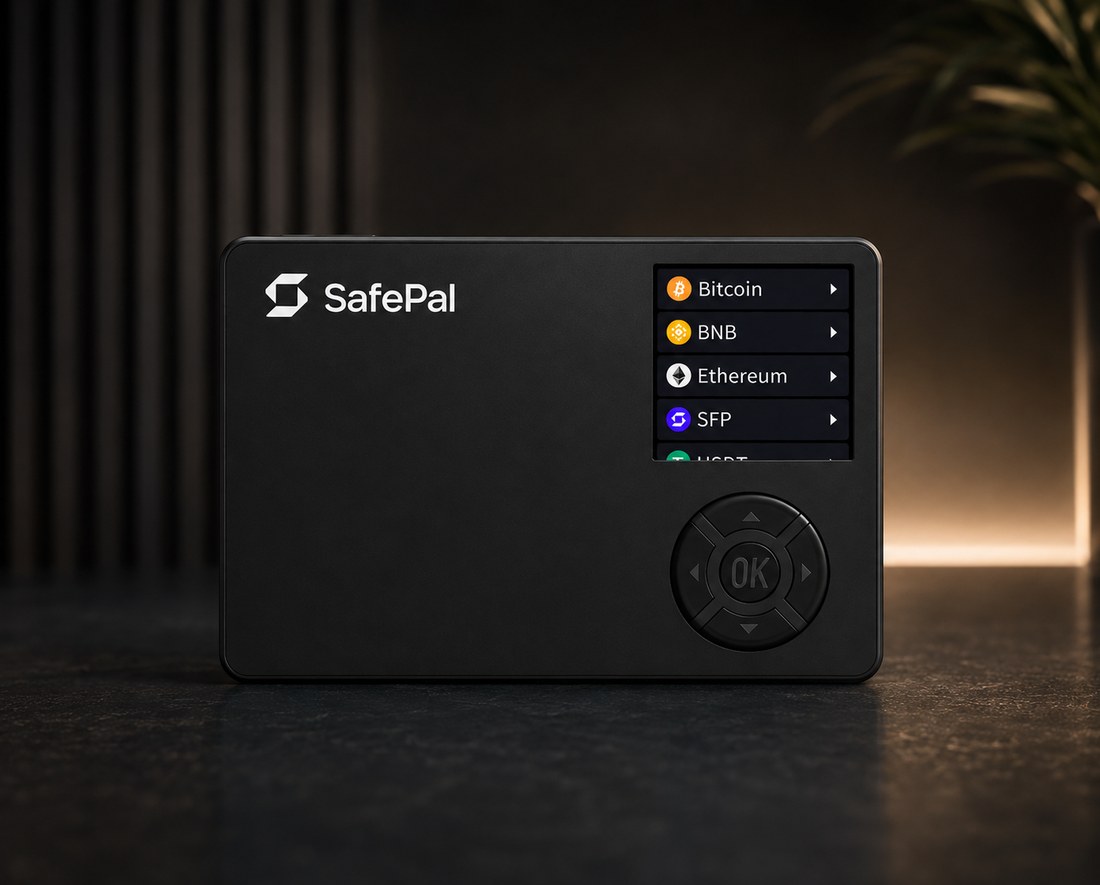
SafePal makes true air-gapped cold storage accessible at a genuinely low price: the S1 and S1 Pro have no USB data path, Bluetooth or WiFi at all, communicating only via QR codes, and use an EAL6+ certified secure element starting at $49.99. It claims support for 200+ blockchains through a feature-rich app with deep Binance integration, and offers an optional steel Cypher Seed Board for a fire- and water-resistant physical backup. Several reviewers describe the build quality as feeling cheap for the price, and a 2021 third-party audit doesn't appear to have been followed by a more recent independent review.
Side-by-side comparison
| Trezor | SafePal | |
|---|---|---|
| Type | Button / touchscreen (Safe 3/5/7) | Air-gapped (S1/S1 Pro) |
| Screen | Mono 0.96" to 2.5" touch | 1.3" LCD |
| Connectivity | USB-C (+ Bluetooth, Qi2 on Safe 7) | QR only (S1/S1 Pro) |
| Chip | EAL6+ | EAL6+ |
| Open source | Yes | Partial (X1) |
| From | $59 | $49.99 |
Figures compiled from official specifications and manufacturer pages (2026) — always verify current specs and pricing on each manufacturer's website before buying.
FAQ
Is Trezor or SafePal more secure?
Both use an EAL6+ certified secure element on their current flagship models, so on paper the chip-level security is comparable. The real difference is the threat model: Trezor relies on open-source transparency and over a decade of adversarial public research, while SafePal relies on physical isolation — no USB, Bluetooth or WiFi at all — to remove entire categories of remote attack.
Which is cheaper?
SafePal's S1 starts at $49.99, slightly undercutting Trezor's entry-level Safe 3 at $59. Both are among the most affordable certified-secure-element wallets on the market.
Is Trezor's open-source firmware actually more secure than SafePal's?
Open-source firmware means anyone — including independent security researchers — can inspect Trezor's code for flaws, which is a real transparency advantage. SafePal's firmware is not fully open-source, so you're trusting the manufacturer and its own audits (the last public one from 2021) rather than the wider community.
What happened with Trezor's August 2026 breach?
A fulfilment partner Trezor uses was breached in August 2026. Trezor has stated that no wallets or devices themselves were compromised as a result, but it's a recent incident worth factoring into your decision, especially if you value an unblemished operational history.
Does SafePal's small screen make it harder to use safely?
The S1's 1.3-inch screen is noticeably smaller than many competitors', which several reviewers say makes it harder to carefully verify transaction details compared to wallets with larger touchscreens. It's still a real screen for confirming addresses and amounts — just a more cramped one.
Important risk information
- Always research any hardware wallet before using it — buy directly from the manufacturer or an authorized reseller, never a pre-activated device from a marketplace listing.
- Firmware, audits, pricing and country availability change over time — verify current specifications directly on each manufacturer's website before relying on this comparison.
- Not financial advice: this page is independent editorial content for information only and is not affiliated with Trezor or SafePal.
Ready to get one?
Both links below are our own referral links — buying through them costs you nothing extra and helps support this independent comparison.
ntexmgu
If you buy through our links we may receive a commission — at no extra cost to you. Our assessments, including all criticism, are editorially independent of commissions; referral disclosure: this site is partly financed through referral/affiliate links, where available.
Legal Notice
All brand and product names are the property of their respective owners and are used for identification only.Responsible for this website:
Sharif Ahmad
Dubai WTC, One Central Building C3/L3, Sheikh Zayed Road, P.O.Box 9573, UAE
E-mail: info@coldcompare.com
ColdCompare is an independent publication and is not affiliated with Trezor or SafePal. All brand and product names are the property of their respective owners and are used for identification only.
Privacy information
1. Controller: Sharif Ahmad (contact details are provided in the legal notice above).
2. Server logs: when you access this static website, your browser technically sends data such as your IP address, the time of access, and browser type to the hosting provider. This processing is required to deliver the website and is based on legitimate interest.
3. Local storage: the site saves only technically necessary settings on your device, namely your language selection and cookie decision. No tracking cookies are set.
4. External services: all fonts are hosted directly on this website, so no connection to Google or another external font provider is established. Outbound links point to manufacturer websites and other third parties. Once you click such a link, the privacy policy of the respective third party applies; referral links can also allow the provider to identify that you arrived from this website.
5. Your rights: you have the right to access, rectify, erase, restrict processing, request data portability, object, and lodge a complaint with a supervisory authority.